Check-in that fits your front door
Families type a PIN at the front desk kiosk, scan its code, or tap a sticker by the door. Turn on the ways that suit your center, and teachers can always check a child in or out.
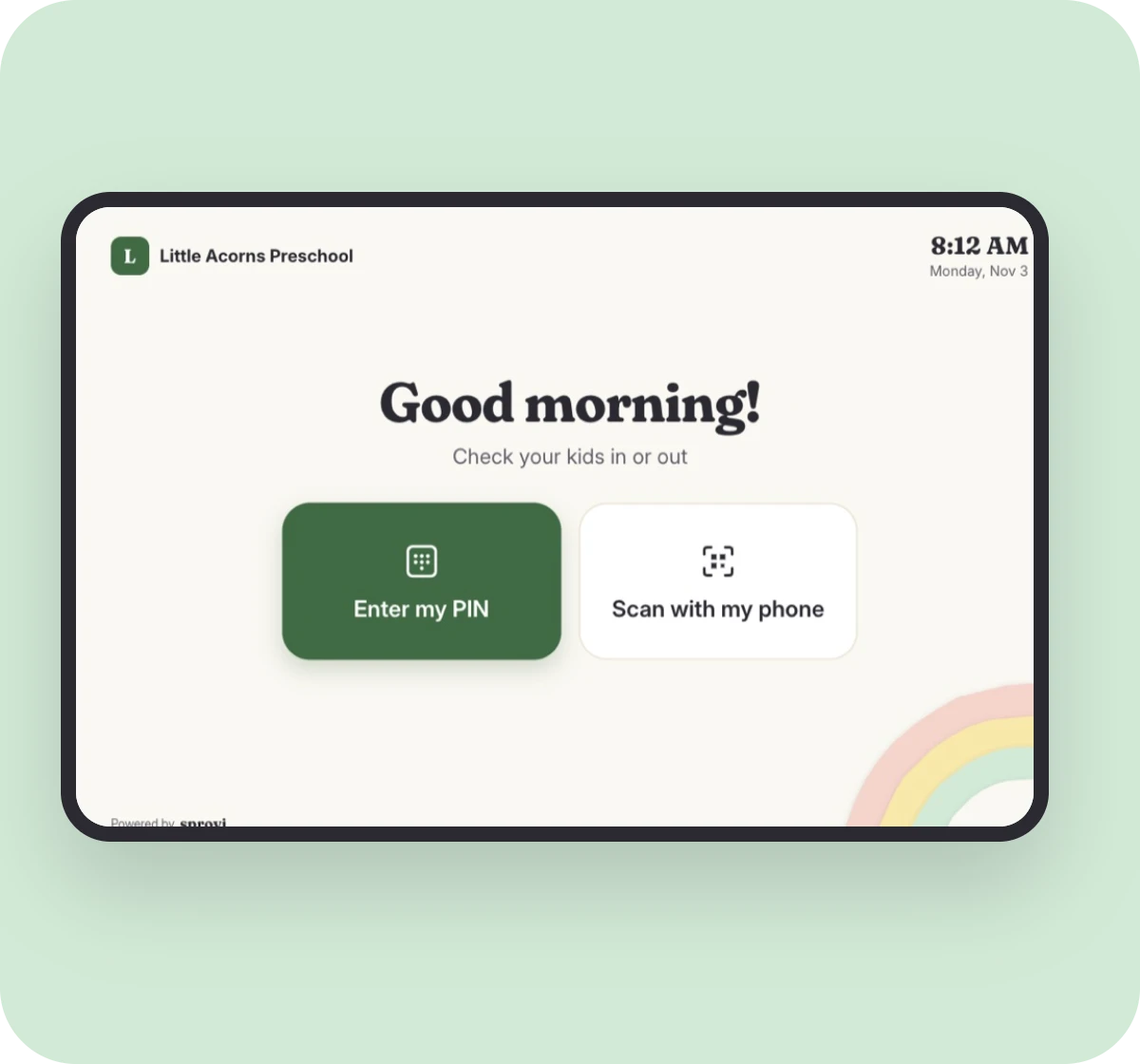
Big buttons, made for the front door
Families walk up, tap once, and they're on their way. Everything is readable from arm's length, even with a toddler on your hip.
- Large touch targets
- Shows your center's name and time
- Resets after every family
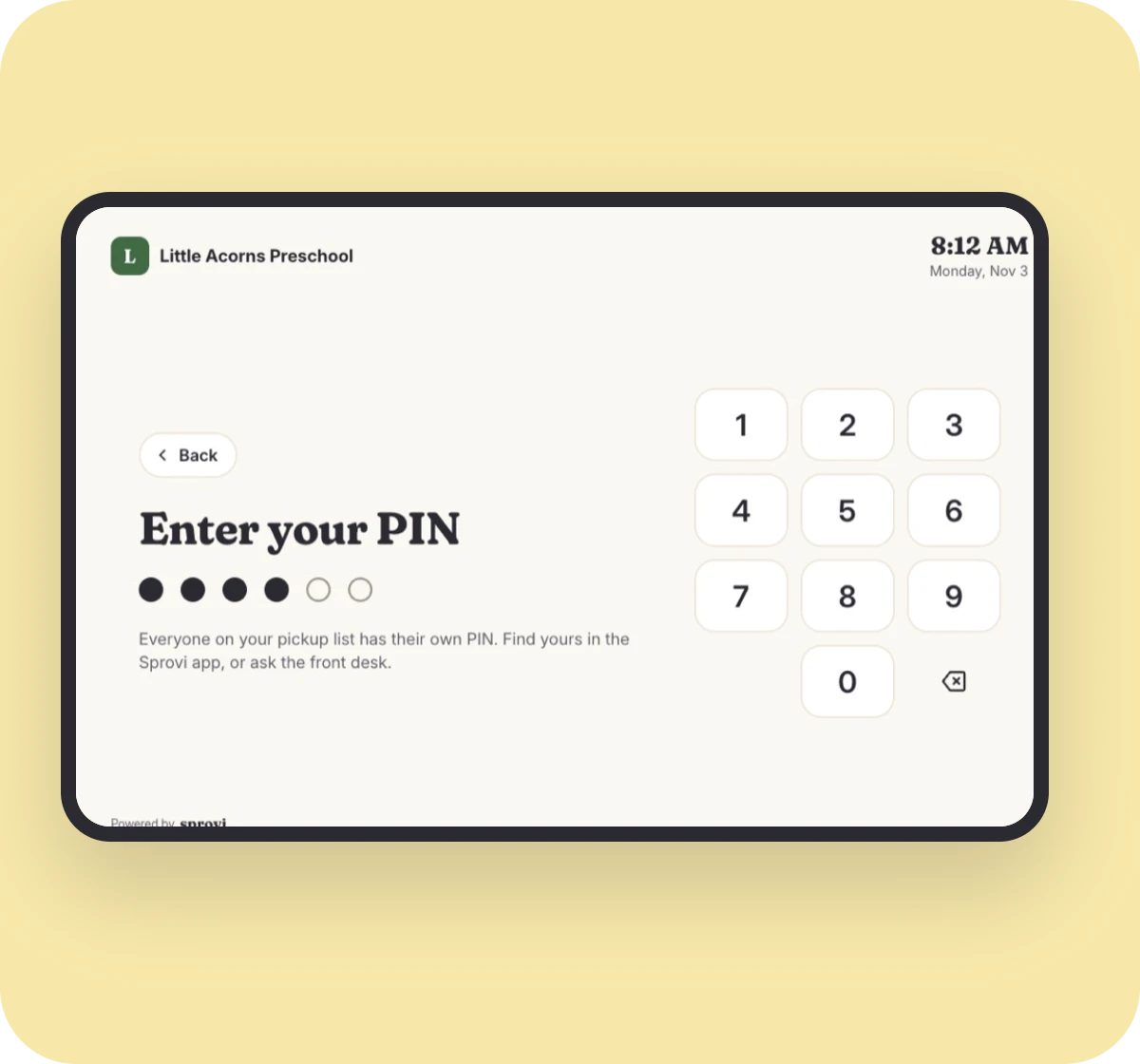
Every person gets their own PIN
Sprovi assigns a six-digit PIN to each person on a family's pickup list, so the kiosk always knows who's at the door.
- Assigned by Sprovi, never chosen
- Locks after too many wrong tries
- Find yours anytime in the app
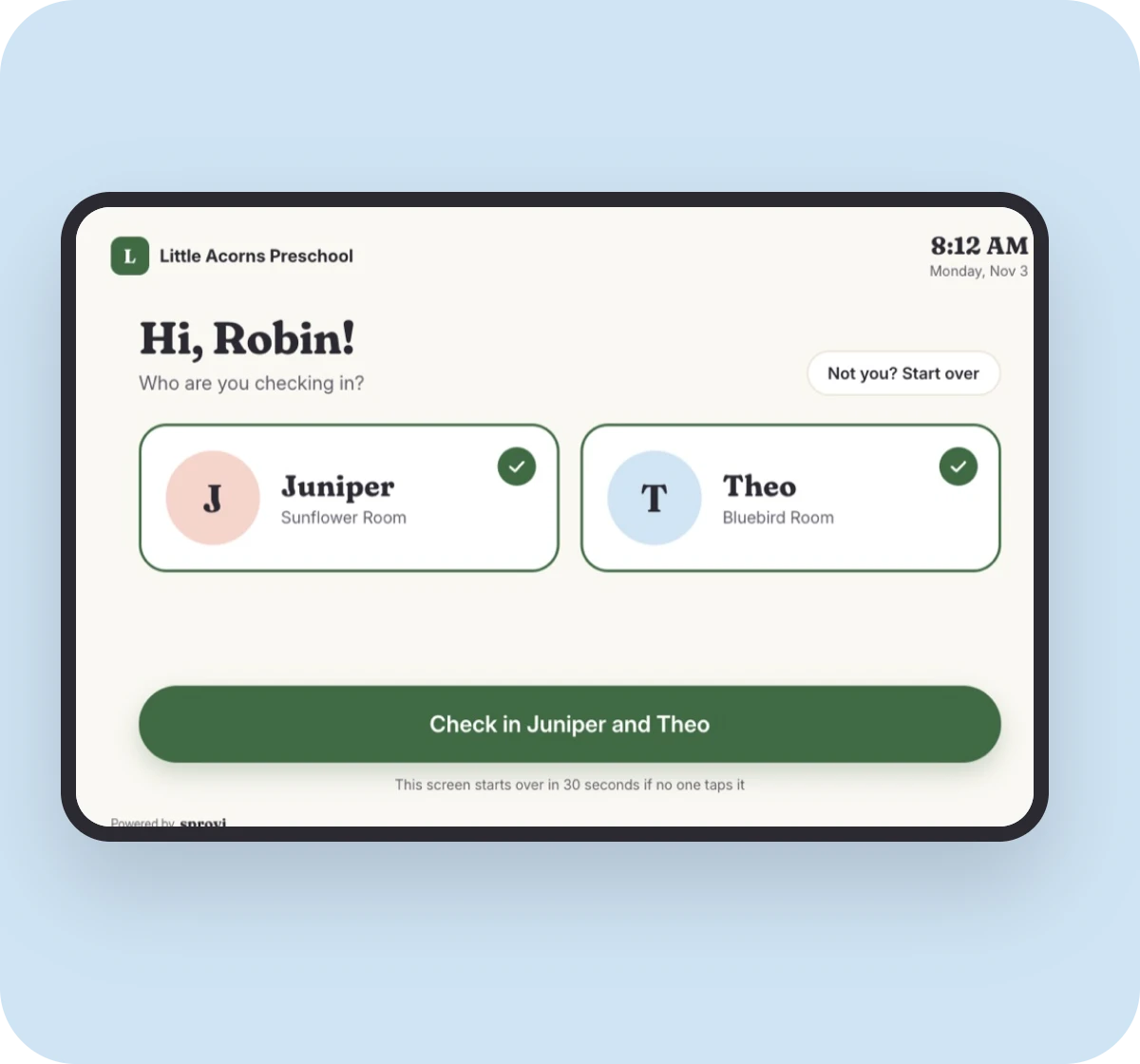
Check in siblings in one tap
Pick the kids and tap once. Check-out works the same way, and every drop-off and pickup is timestamped for licensing.
- Records who dropped off and picked up
- Only shows kids that person can take
- Teachers see it live in the classroom
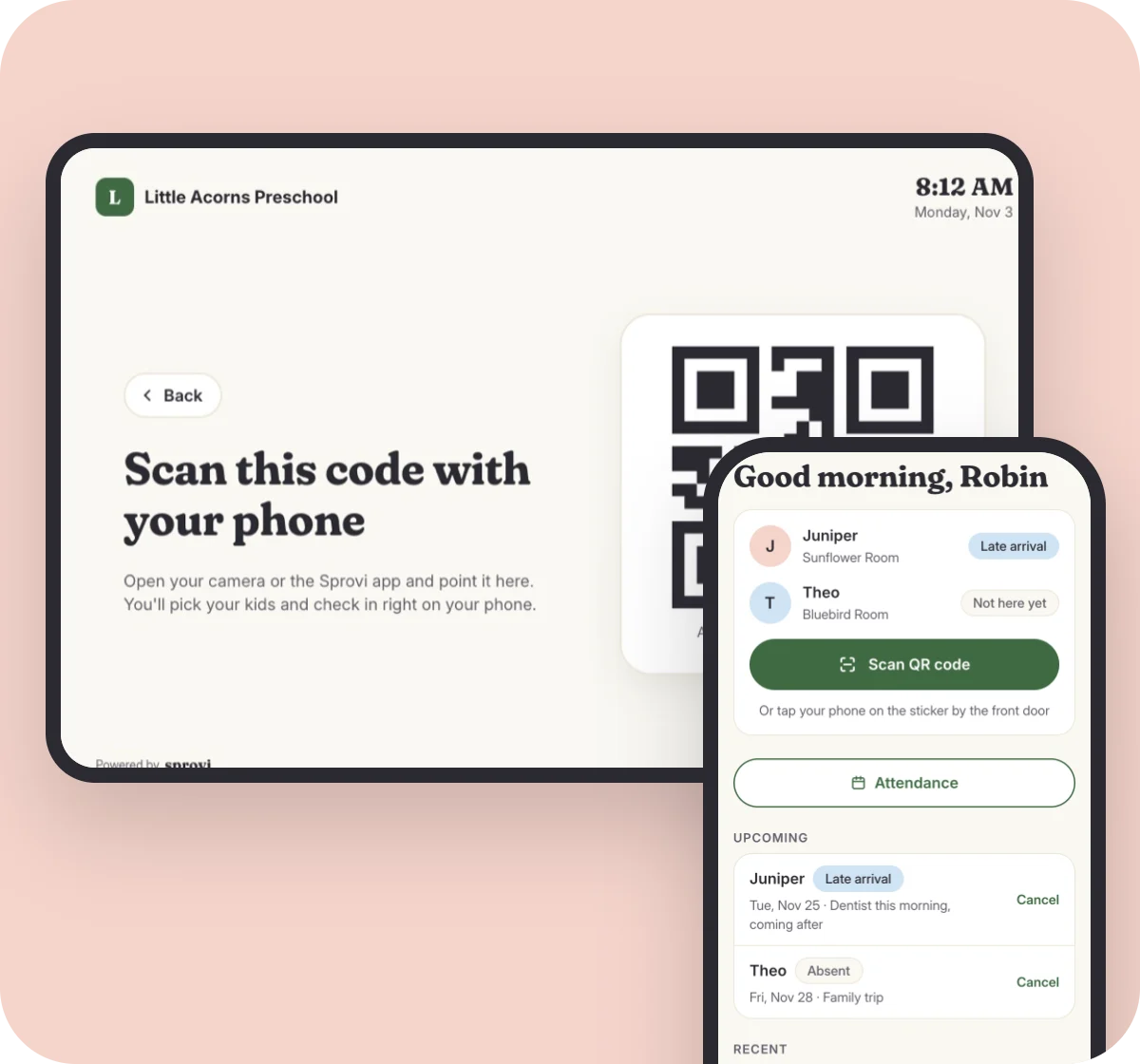
Or scan the code with a phone
Parents open the Sprovi app and scan the code on the tablet. It proves they're at the door, so check-in only counts when they're really there.
- A new code every minute
- No PIN to remember
- Needs the Sprovi app on their phone
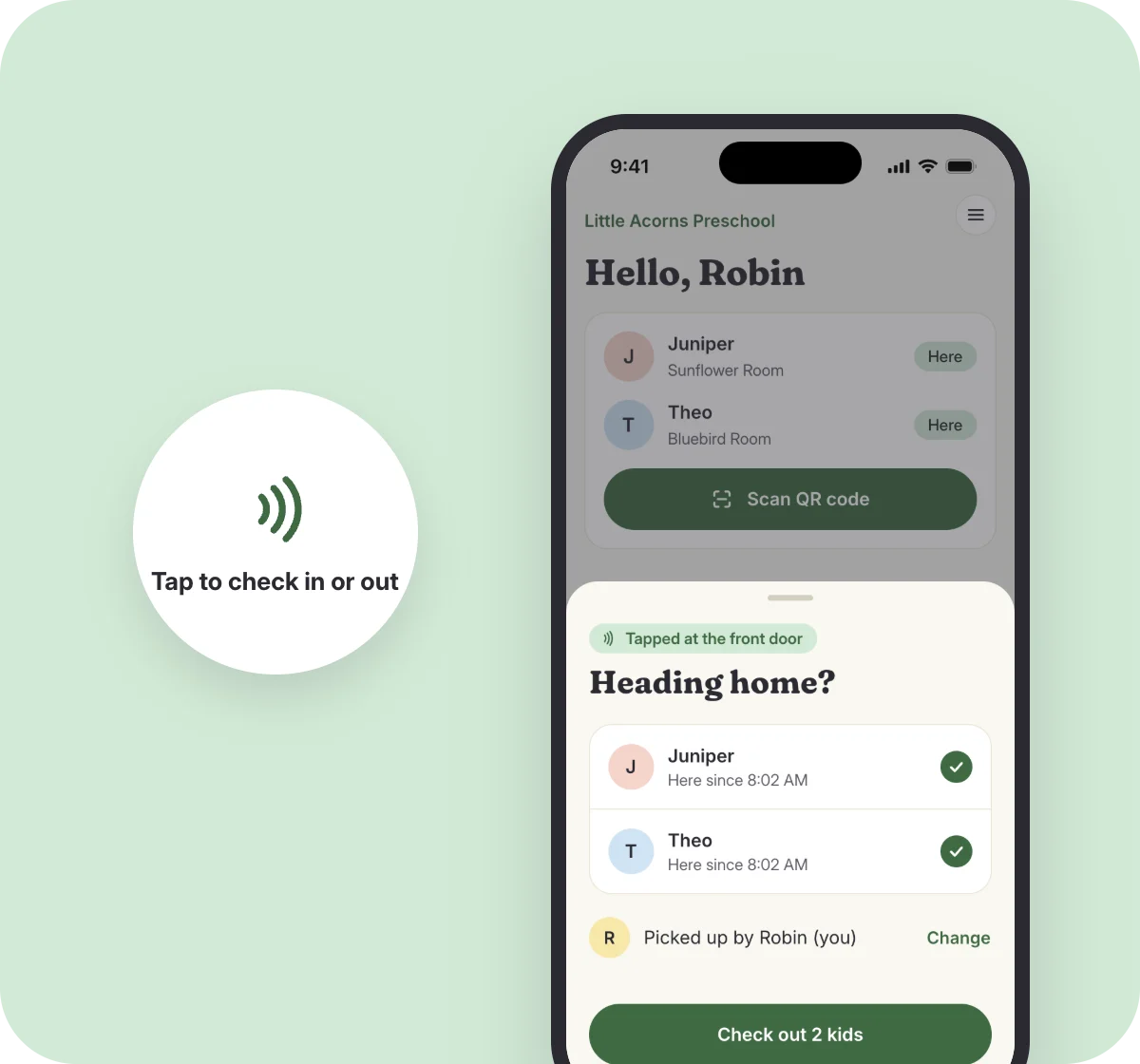
Or tap the sticker by the door
Put a Sprovi sticker by the entrance. Parents hold their phone to it, pick their kids, and they're checked in. No tablet needed.
- Just a sticker and a phone
- Needs the Sprovi app on their phone
- One sticker per door, set up in minutes
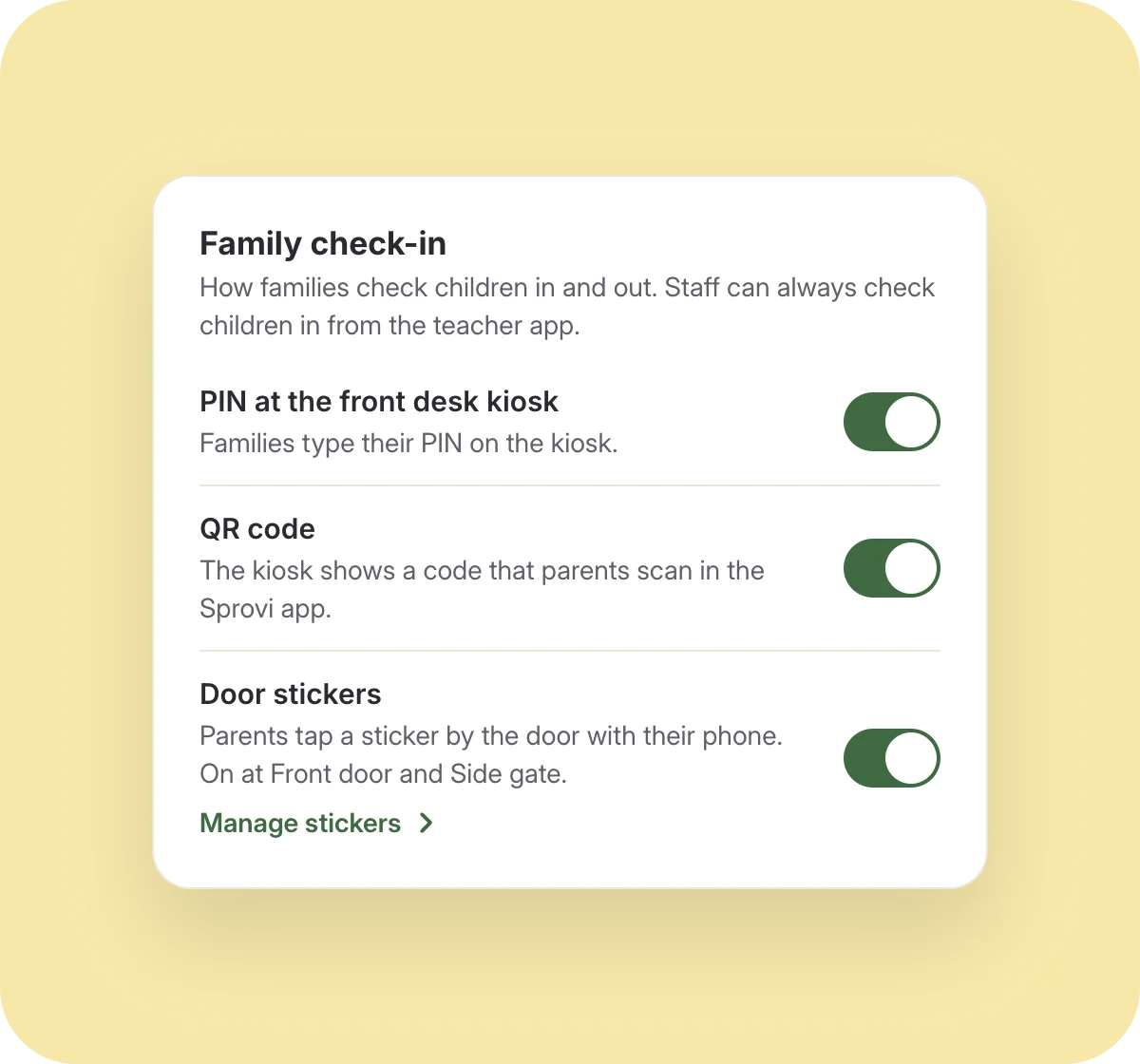
Turn on the ways that suit you
Use the kiosk PIN, the QR code, door stickers, or any mix. Switch them on and off in your dashboard settings. At least one stays on.
- PIN works without a phone
- QR code and stickers use the parent's phone
- Change it any time
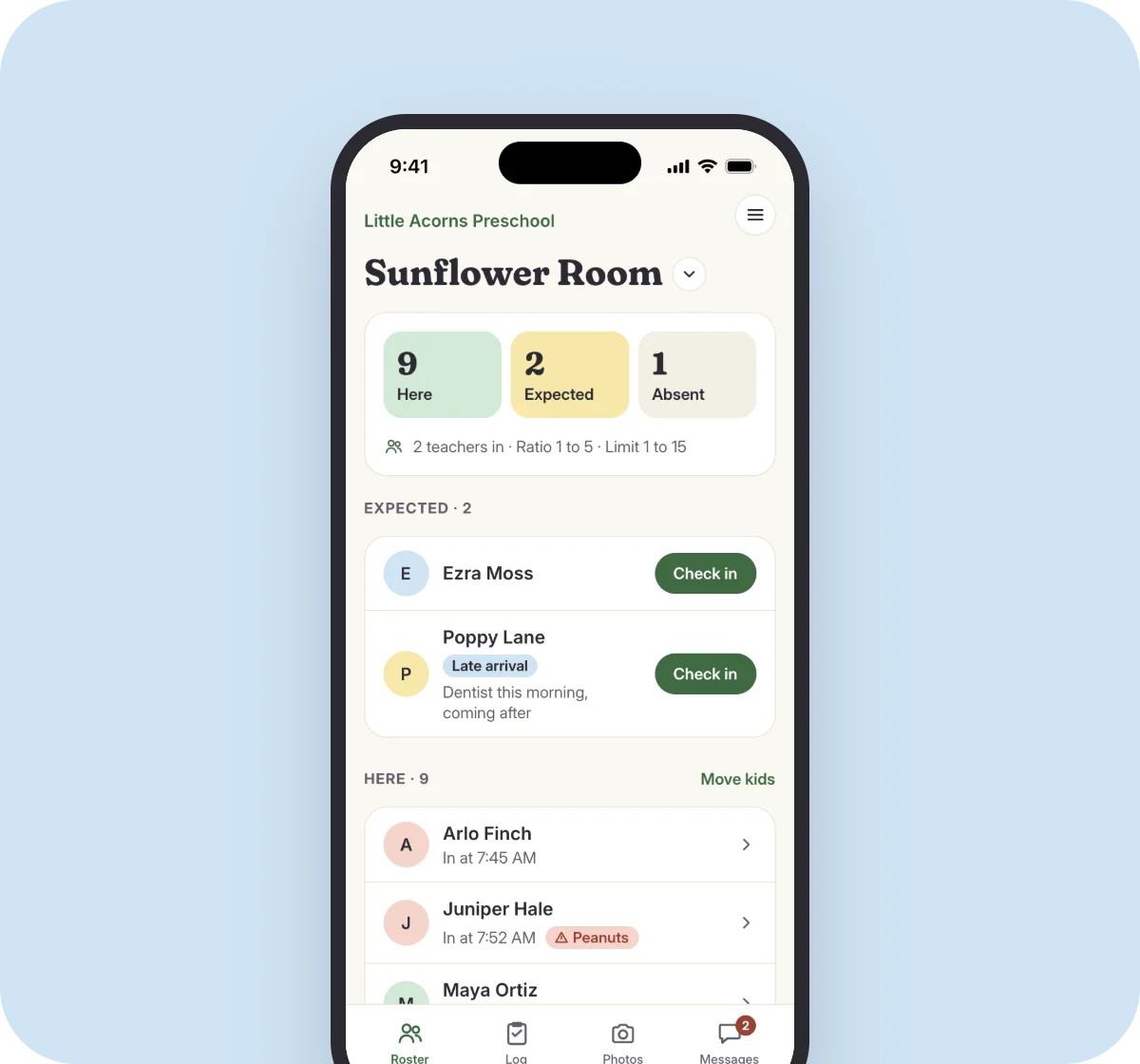
Phone at home? A teacher can do it
Parents forget, and phones die. Teachers can check a child in or out from the teacher app in a couple of taps, whatever ways you turn on.
- Always available to teachers
- Logged with the teacher's name and time
- Families still see it in their timeline
Ready for a calmer day at your center?
Tell us a little about your center. We'll walk you through Sprovi and help you move over from your current app.